How to burn a DVD on Windows?

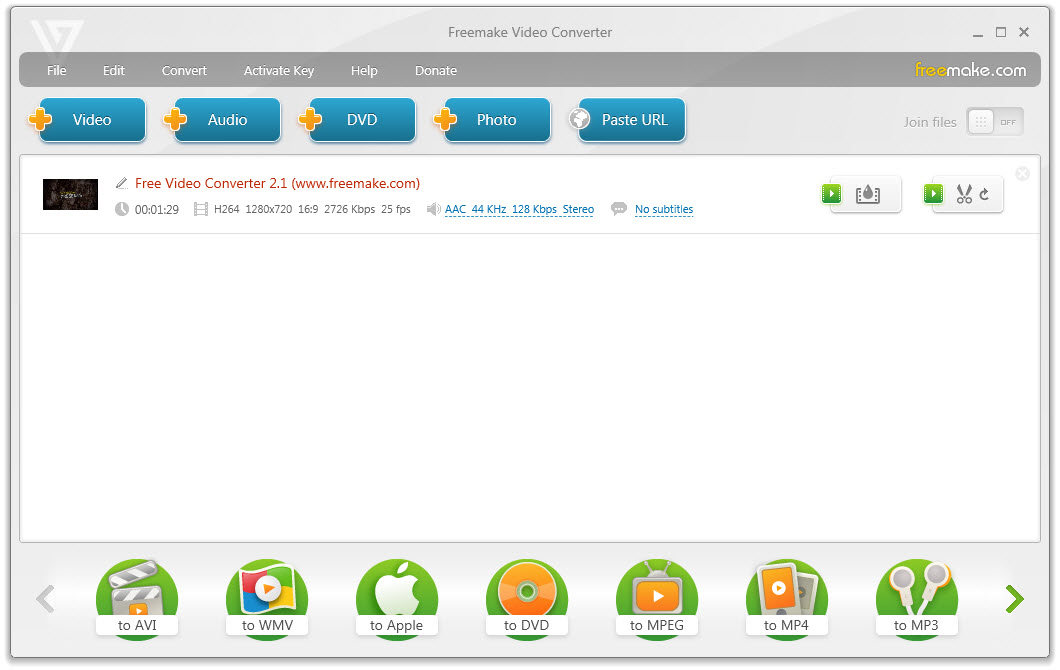
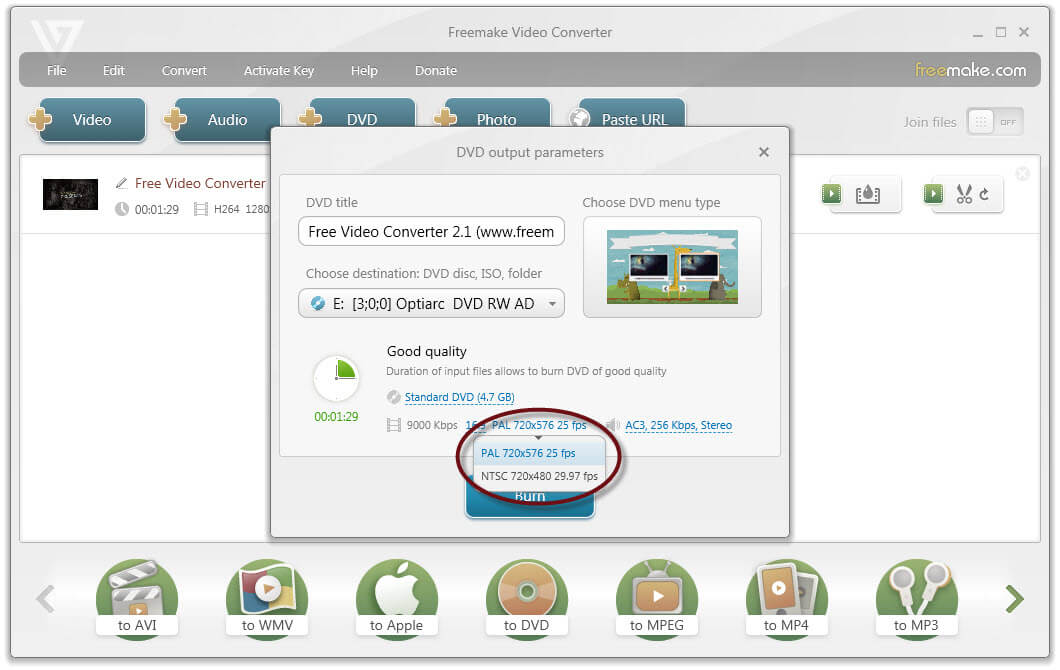
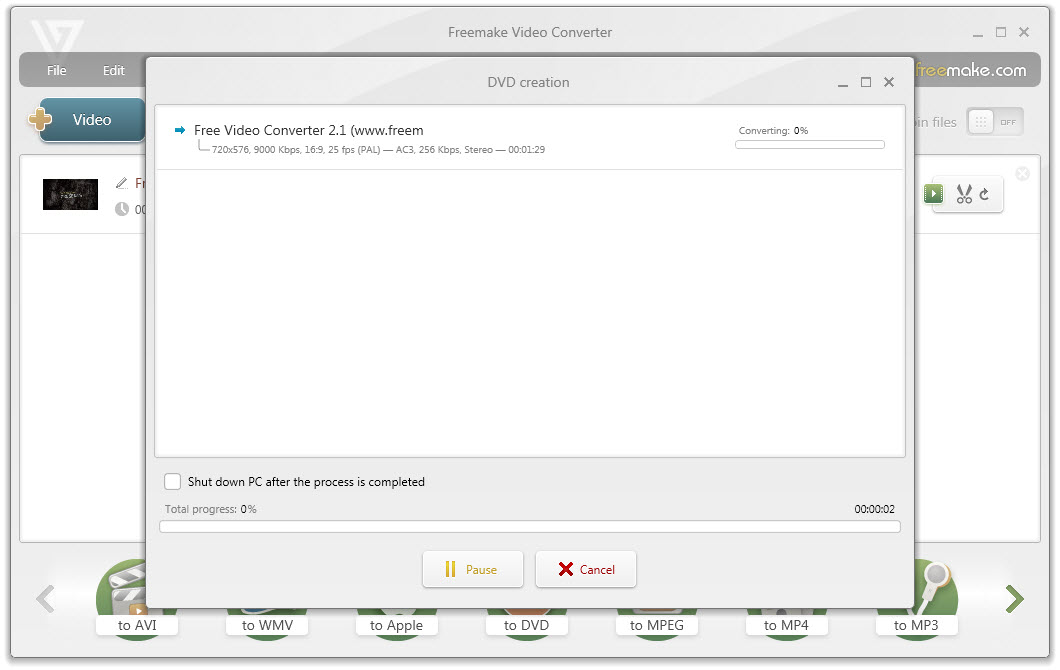
✔ Burn video to DVD just in 3 clicks on Windows with Freemake!
✔ 250+ supported formats, highest video quality, simple settings.
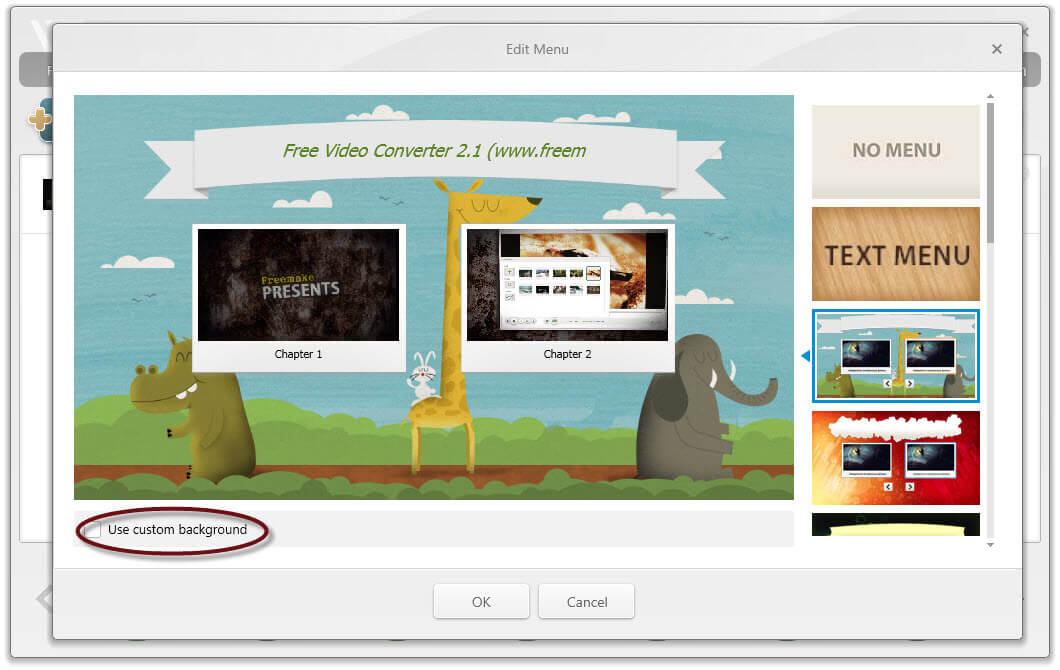
✔ Burn up to 40 hours of videos on a disc! With a custom menu & subtitles.
✔ Make a free DVD movie out of any large file 1GB+ or Video_TS folder.
10+ years on the market ⭐ Best video to DVD software by TechRadar.
Also find out:
how to burn a DVD on Windows 10? • how to burn DVDs on Mac?
Free Download ✔ 250+ supported formats, highest video quality, simple settings.
✔ Burn up to 40 hours of videos on a disc! With a custom menu & subtitles.
✔ Make a free DVD movie out of any large file 1GB+ or Video_TS folder.
10+ years on the market ⭐ Best video to DVD software by TechRadar.
Also find out:
how to burn a DVD on Windows 10? • how to burn DVDs on Mac?