How to Make a Slideshow with Music

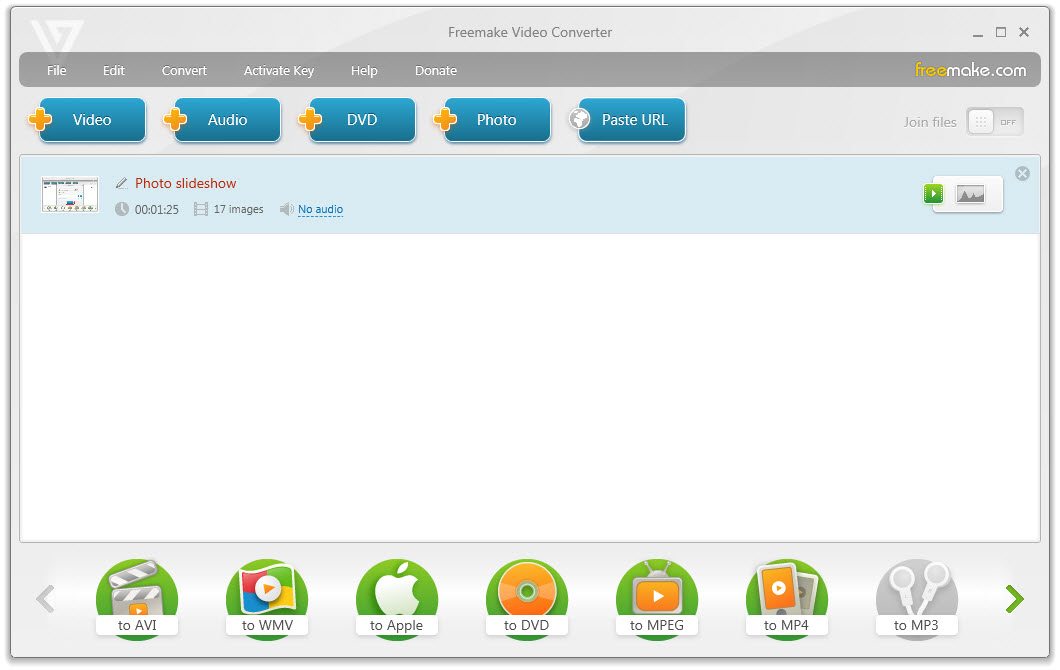
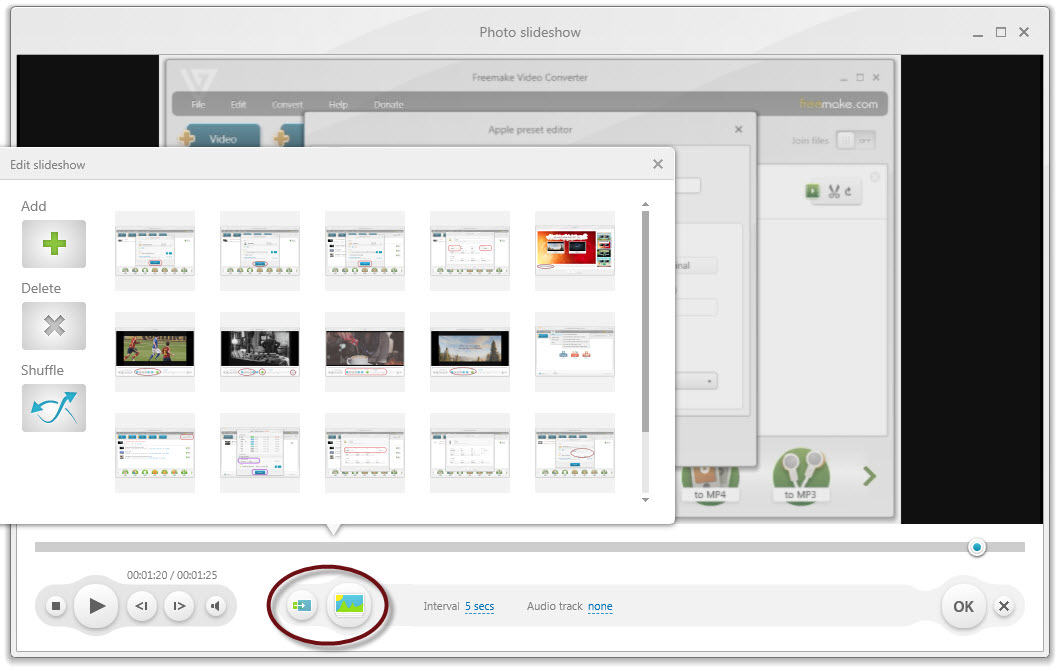
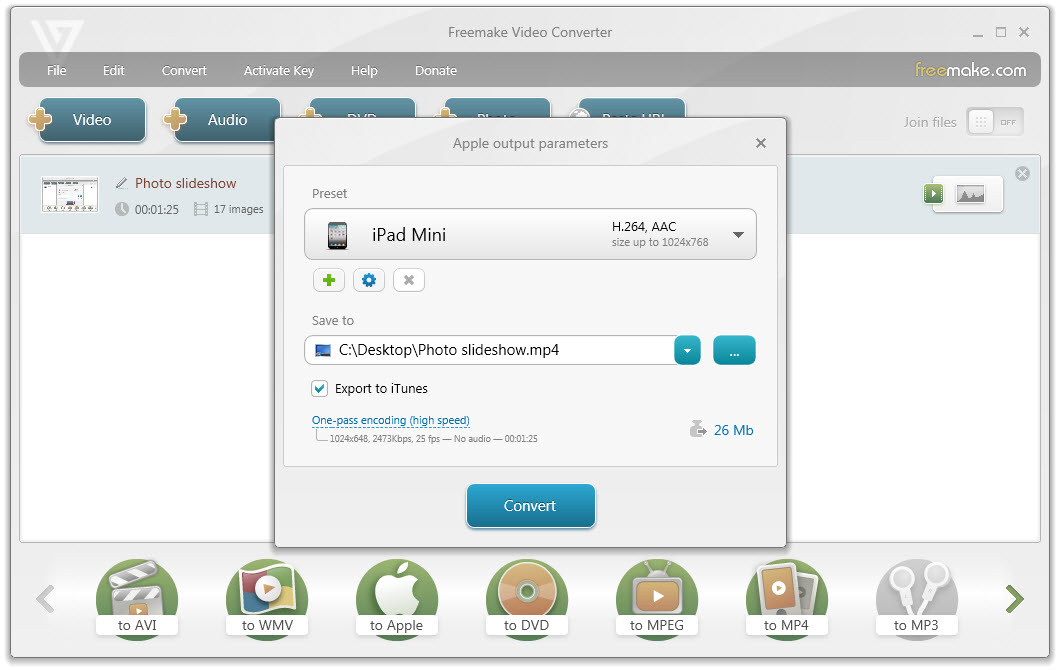
Make a slideshow with pictures and music fast using free Freemake Video Converter. The slideshow maker software will create videos from your photos and songs in a couple of easy steps. Watch the ready slideshows with effects on a smartphone, tablet, TV, or upload it online right from the tool.
All popular image and audio formats are supported.
The best way to create slideshows for social media or content backup!
Free Download All popular image and audio formats are supported.
The best way to create slideshows for social media or content backup!