How to create & embed HTML5 video free


How to    Video


“

HTML5 coding lets webmasters embed video without browser plugins. However, the modern browsers support different formats of HTML5 video: IE 9, Safari - H.264; Firefox, Chrome, Opera - WebM or OGG. So to ensure smooth playback across all browsers, it's necessary to convert video to these three formats. Freemake Video Converter outputs to H.264, OGG, VP8 in a bunch and generates HTML5 code for free. Download it here.

”
video to HTML5

Add video

Browse for the video you'd like to convert to HTML5 formats and embed to your site or blog.

create html5 video

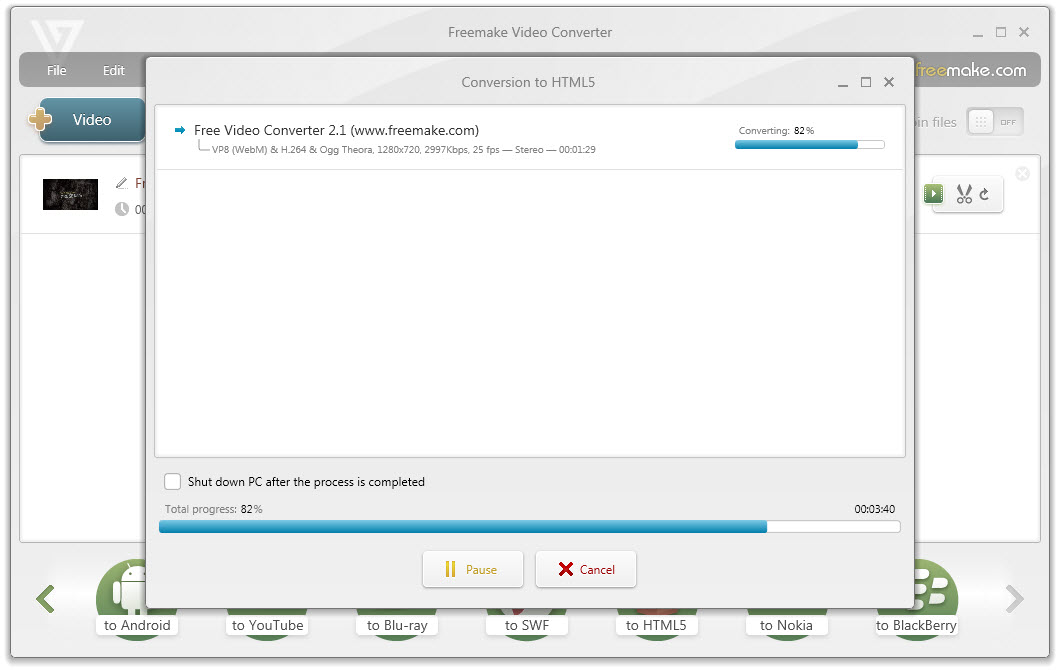
Create HTML5 video

Hit the button "to HTML5" and choose a resolution for the output video. Press "Convert".

embed html5 video

Embed HTML5 video

Follow the instruction "How to embed video to your web page" opened in your browser after the conversion is complete. With Freemake Video Converter you can also convert video to Flash FLV or SWF to add Flash fallback for HTML5 video.

 
How-to search


How to convert MP4 to MP3 Freemake Video Converter
download free
How to download Hulu videos →