Convert SWF to MP4 or other video format [FREE]

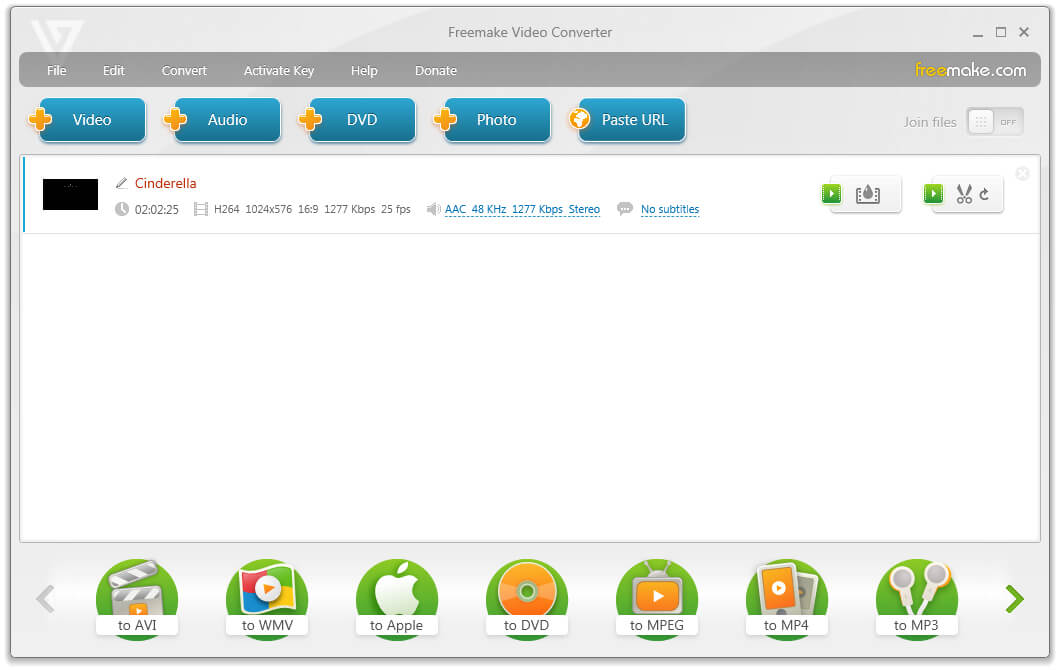
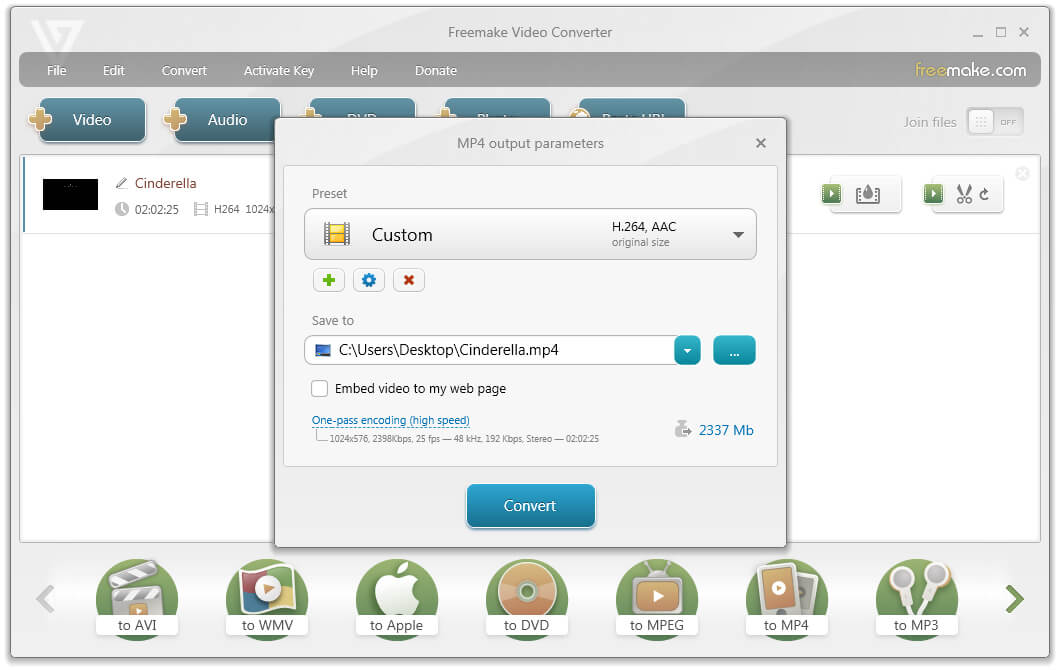
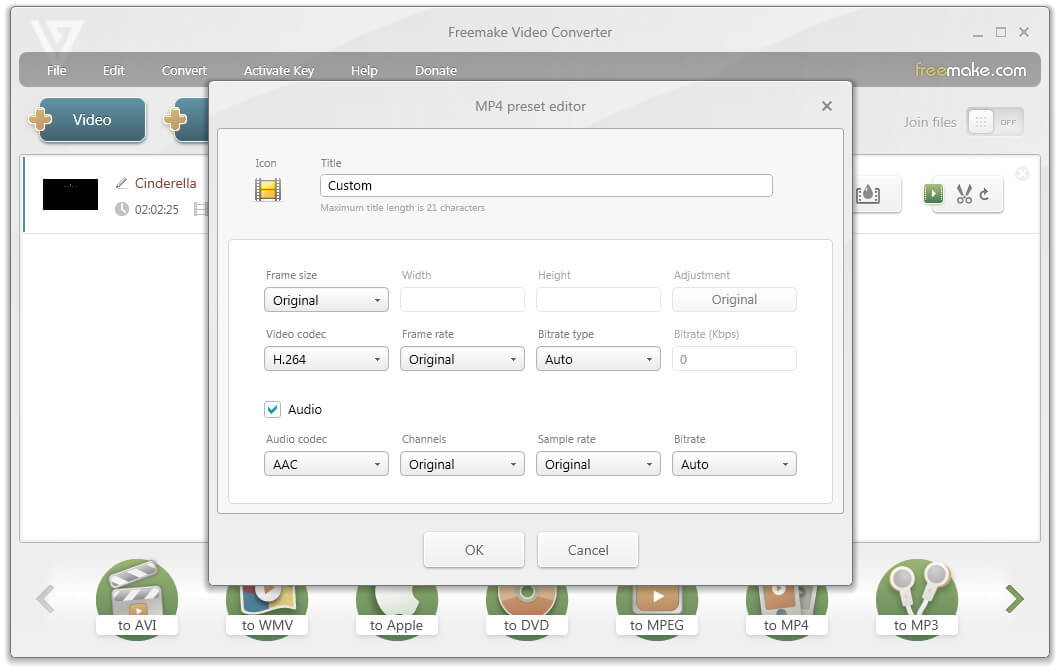
Convert non-interactive SWF videos with free Freemake SWF Converter. Prepare SWF files for watching on a PC, TV, tablet or smartphone. The freeware keeps the original SWF quality & changes SWF format to most popular extensions: MP4, AVI, WMV, MKV, FLV, HTML5.
Download best SWF Converter right now!
Free Download Download best SWF Converter right now!