How to cut video quickly & free

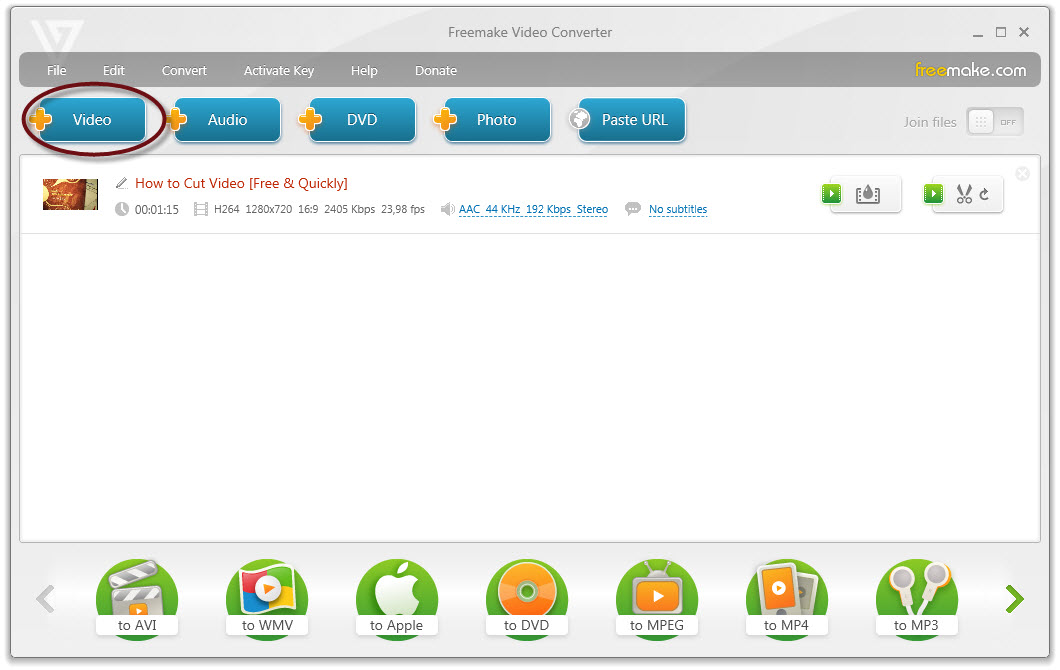
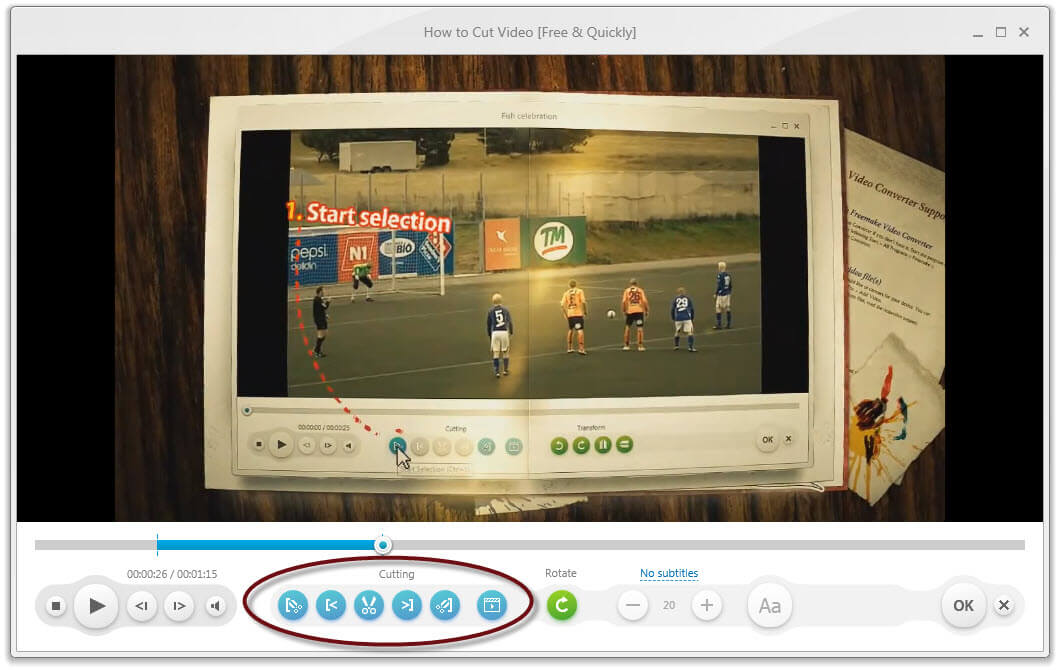
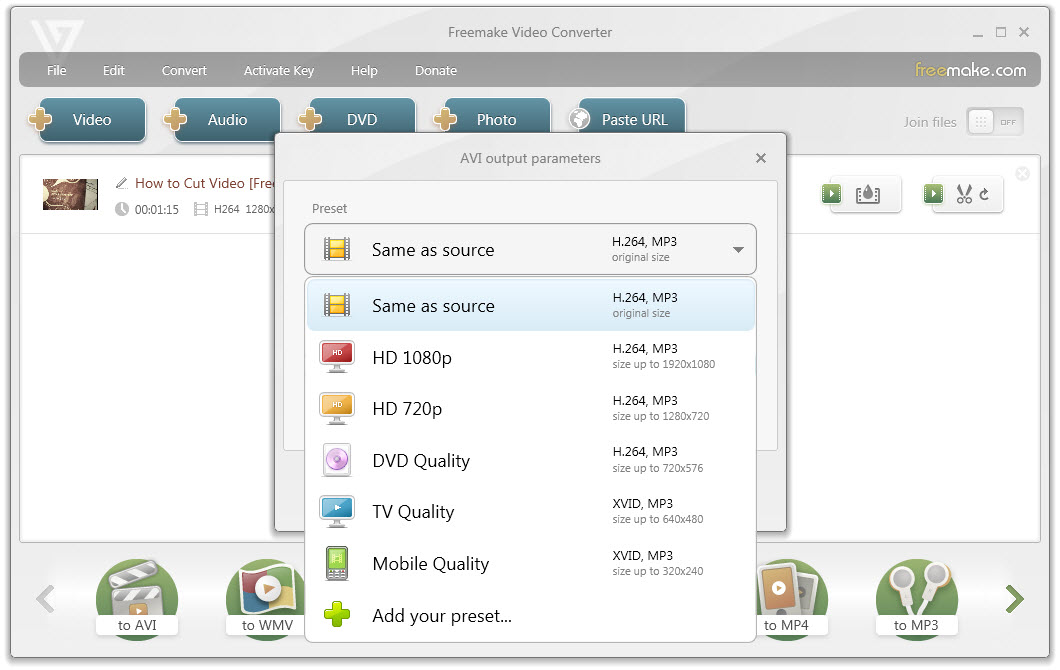
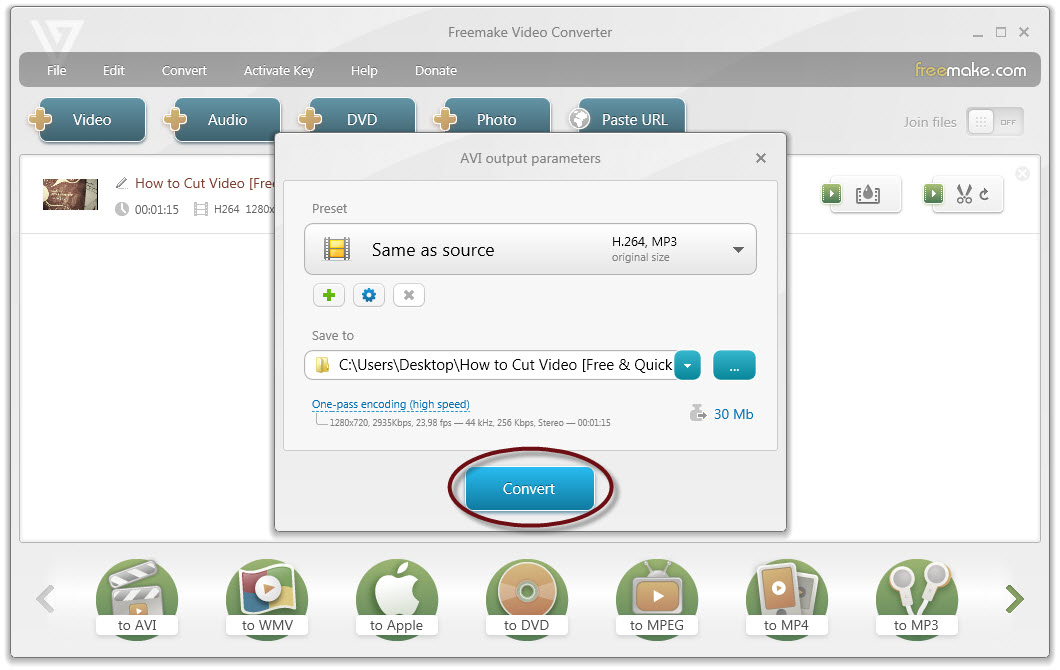
Wonder how to cut unnecessary video parts or ads fast? Go for free Freemake Video Cutter. It will quickly delete any unwanted minutes from your long movie or divide it into parts for a comfortable editing or playback. Freemake accepts 500+ video formats, trims large HD files, keeping the original quality, and saves films in most popular formats. Best video cutter of 2019!
Free Download